Create educational content that's unique with AI in seconds
Mathew suggests, you decide. Gain time, reduce your workload, and focus on what matters: teaching.
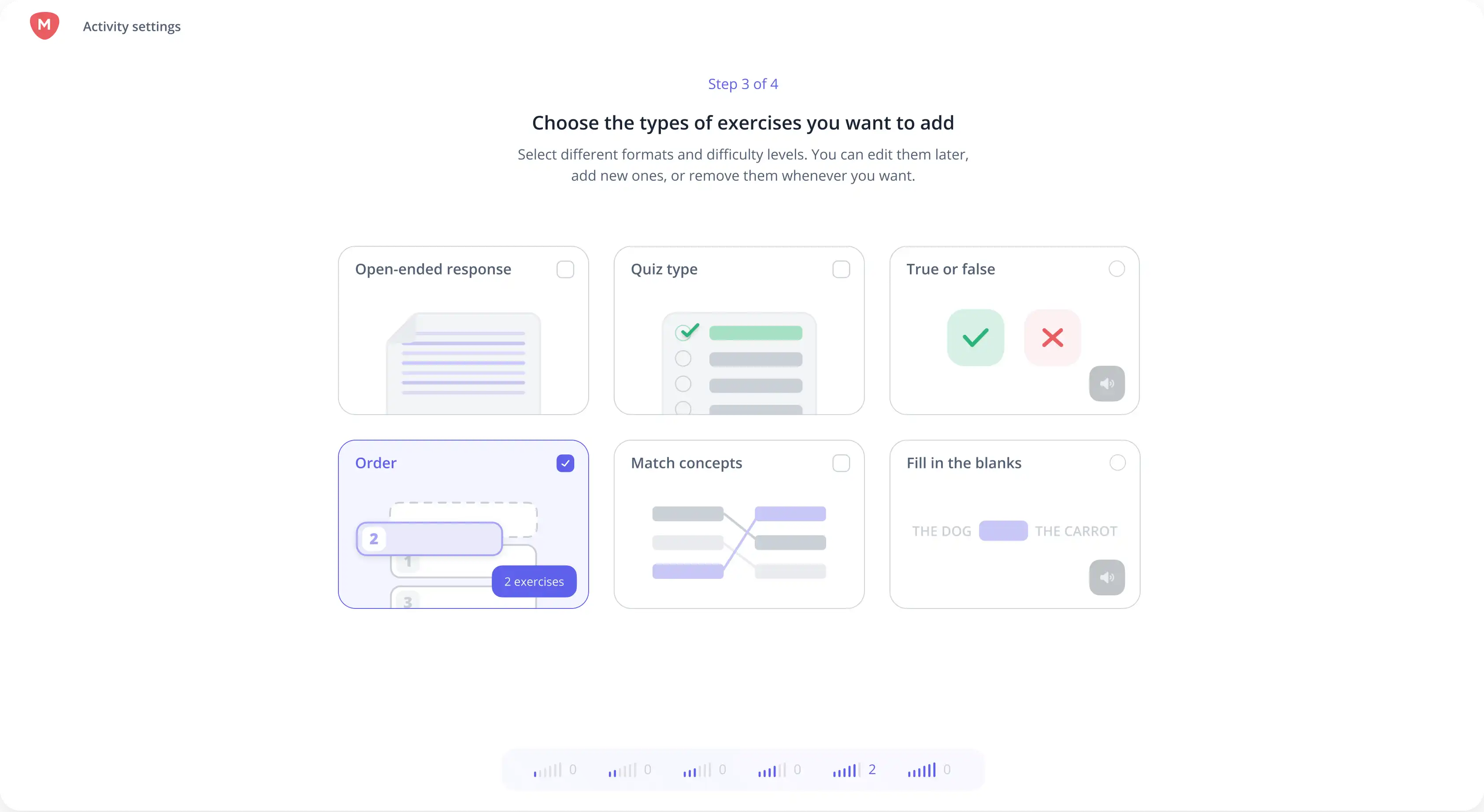
How to create activities or learning situations with Mathew?
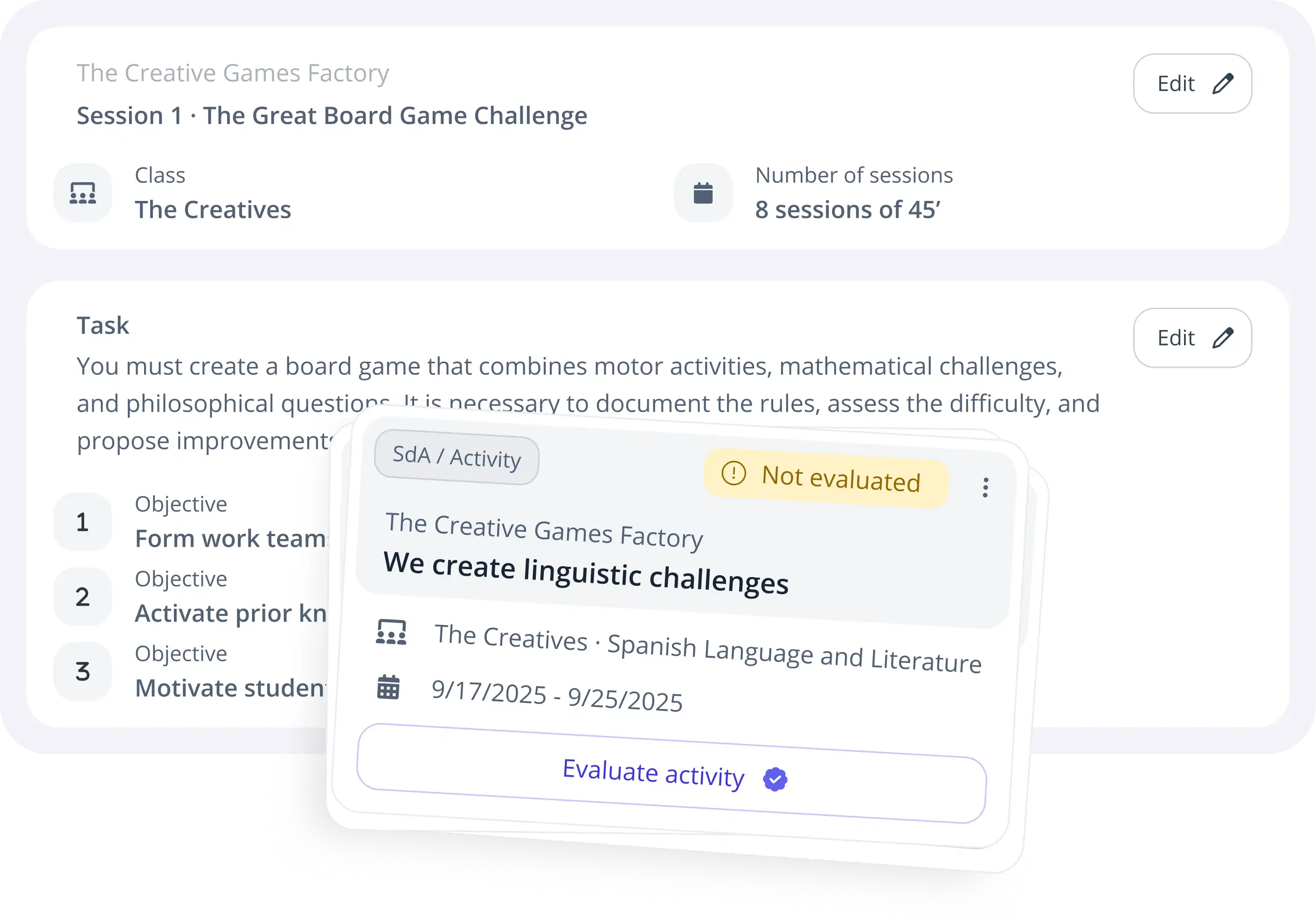
Create activities or learning situations tailored to each student's needs, combining one or more subjects to work in an interdisciplinary way.
1
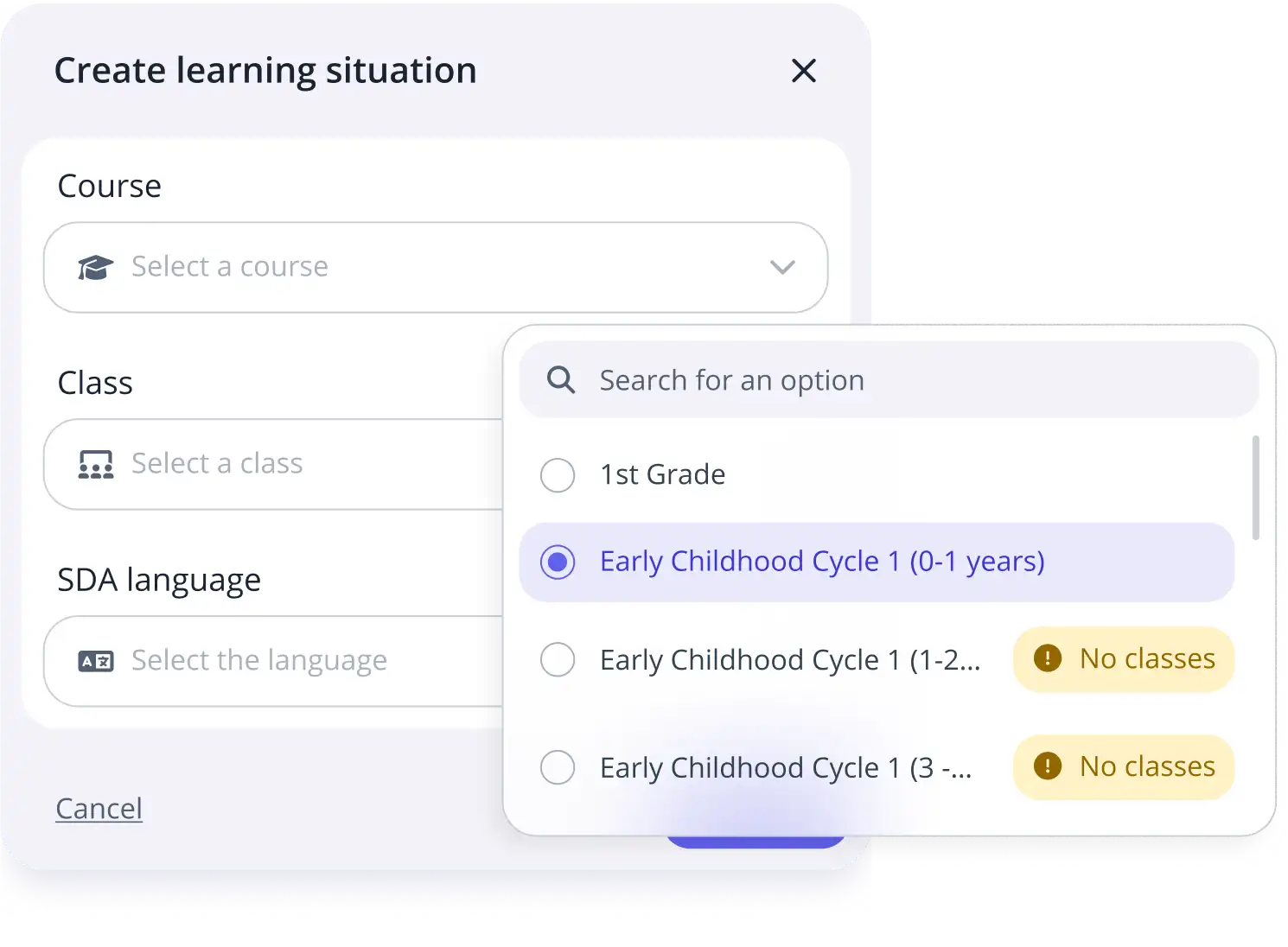
Select the resource you want to work with
Start from your own material or from your school’s content.
2
Tell Mathew what you want to create
Describe the activity or learning situation you need.
3
Select the competences you want to cover
Choose competences, criteria and knowledge from the official curriculum.
4
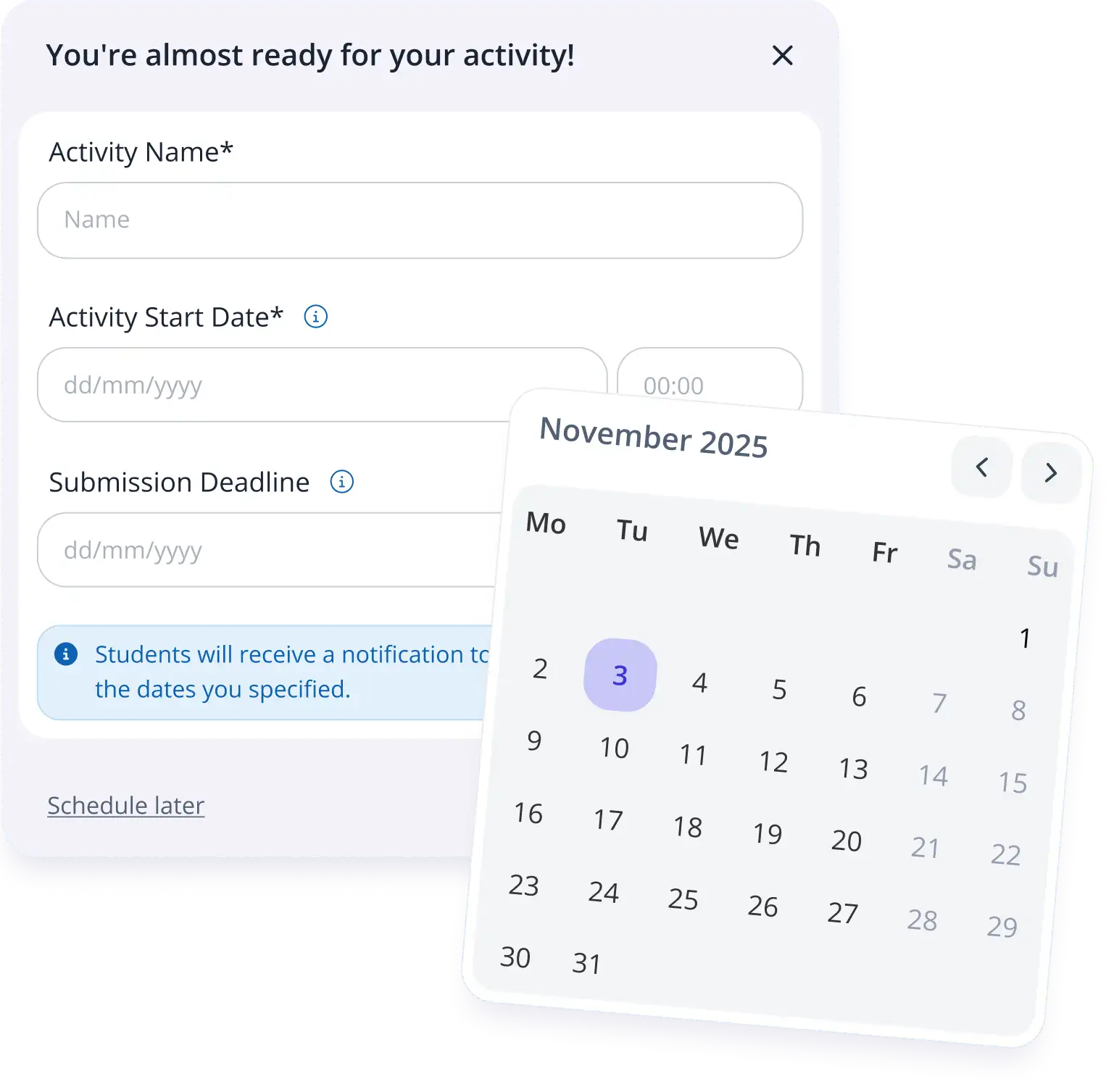
Schedule it and add any rubrics you want
Plan the sessions and define how each submission will be assessed.
Create educational experiences that connect with students' reality
Mathew guides you step by step to create real projects and sessions linked to assessment criteria.
Generate pedagogical proposals aligned with LOMLOE that make planning, assessment, and progress tracking easier.

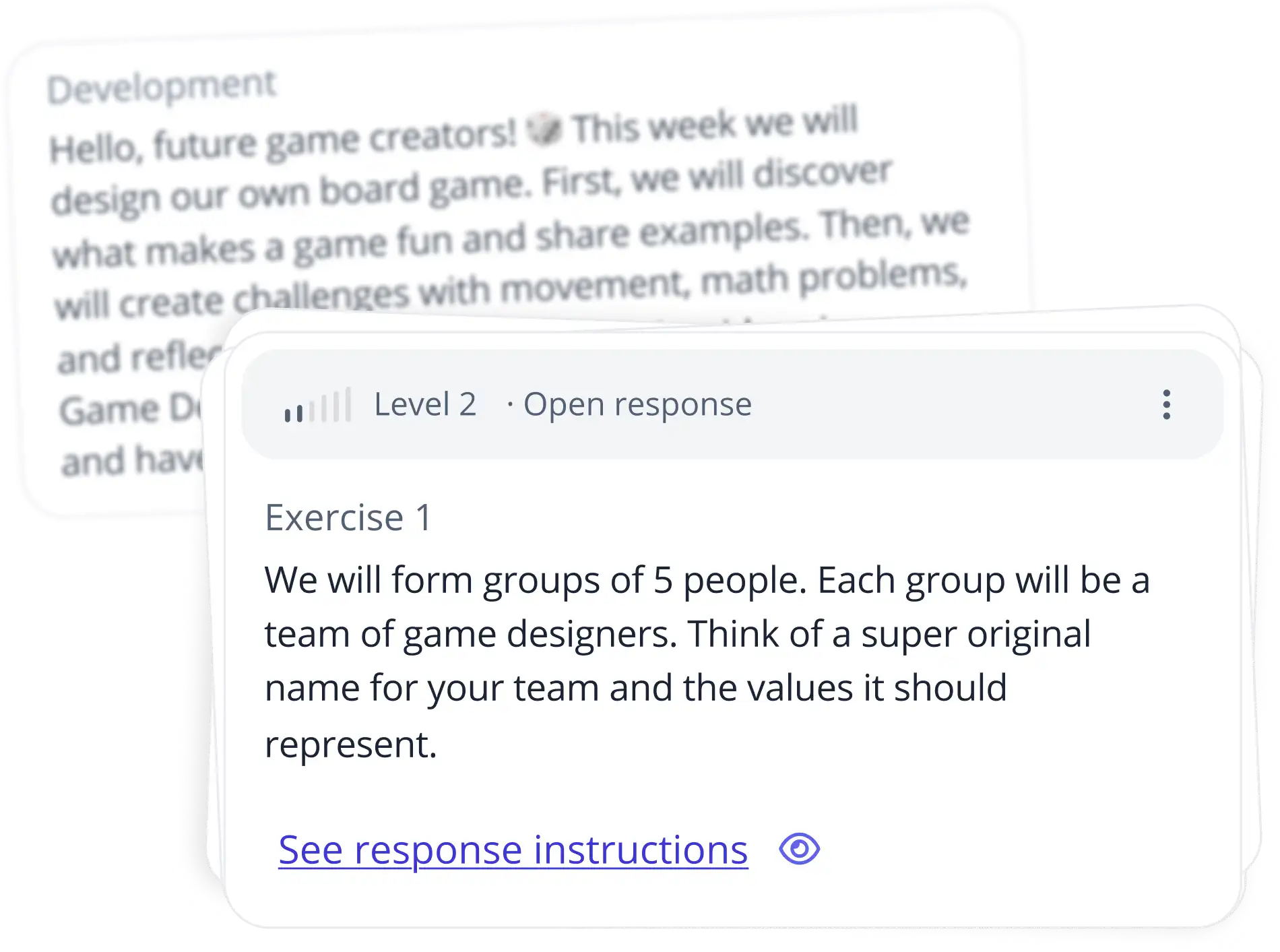

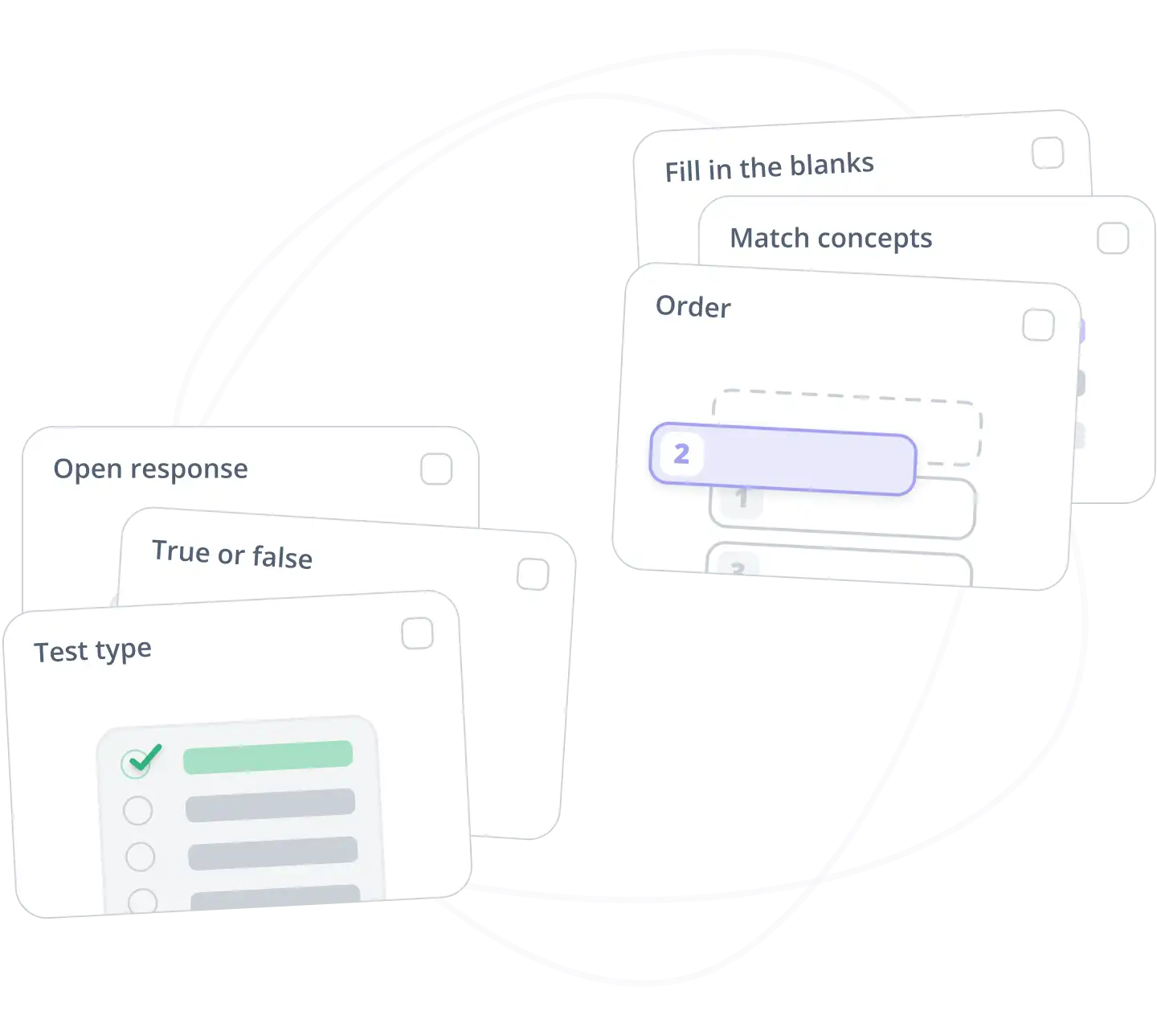
Create adapted activities for each group or student
Mathew helps you generate varied exercises and automatic rubrics aligned with each region's curriculum, and you can add or edit them at any time.
Discover everything you can do with Mathew

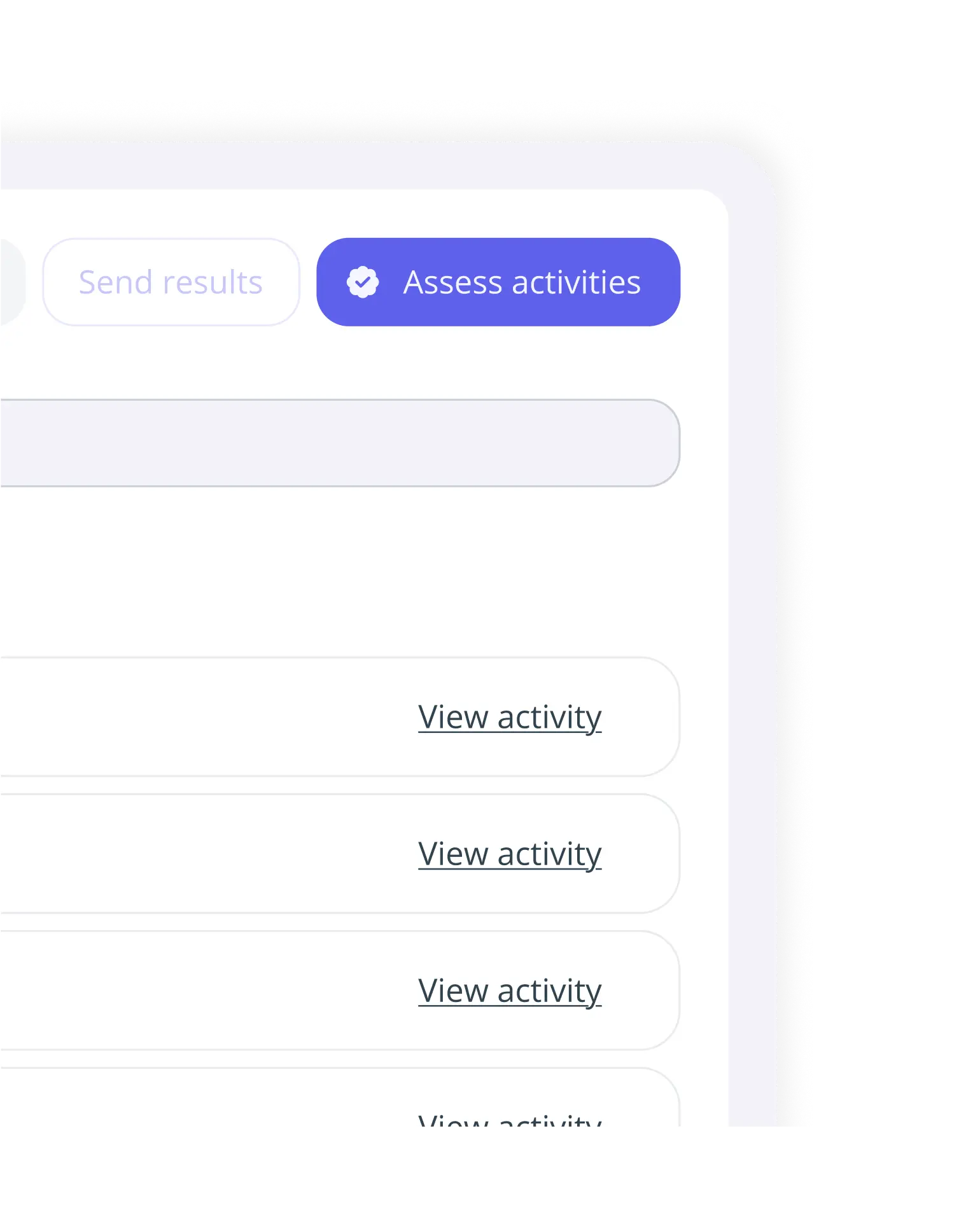
Assess all kinds of resources with competence-based criteria and in multiple formats: digital, handwritten paper exams, audio and video files, PowerPoint, Excel and more.
Learn more
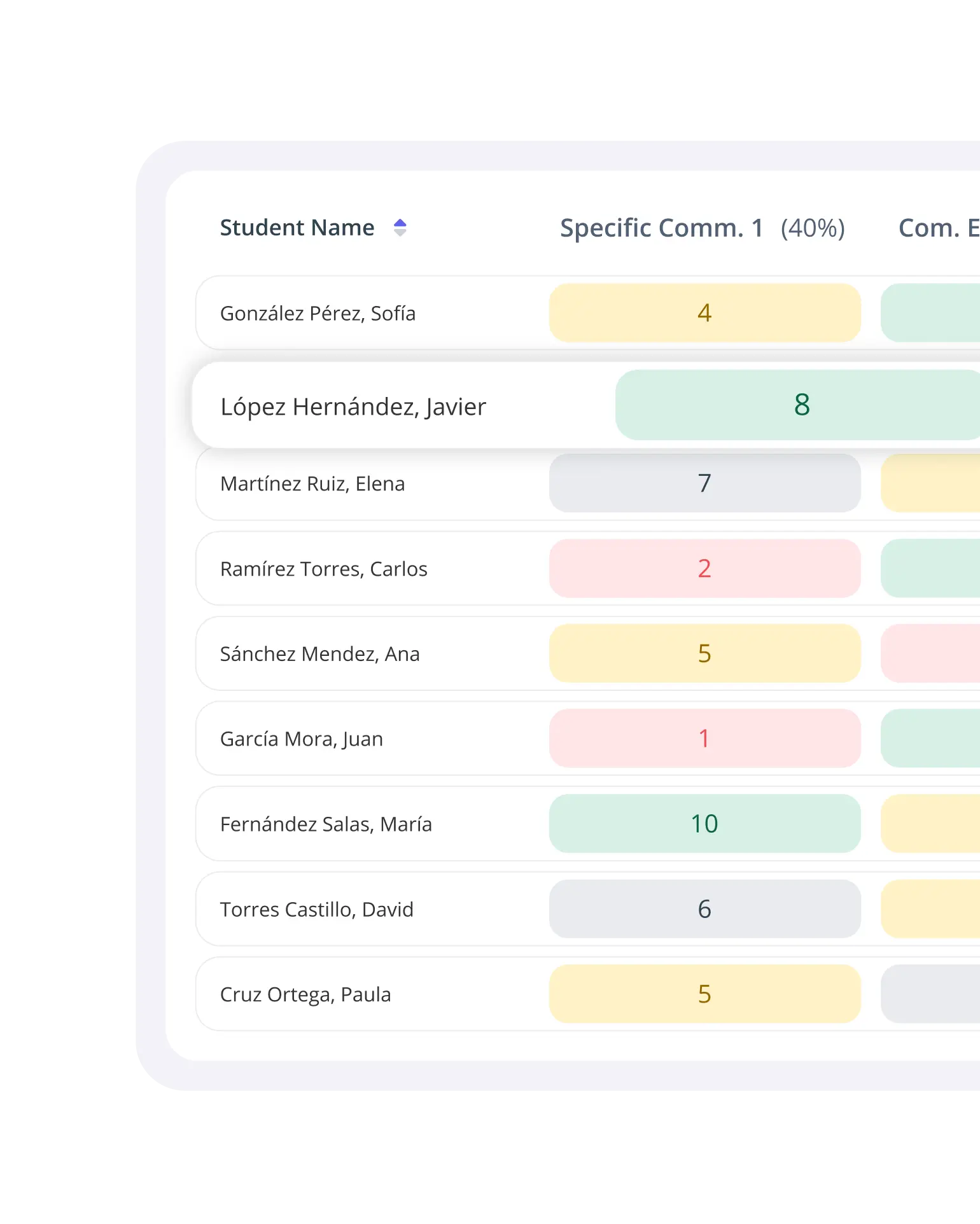
Get performance metrics and specific feedback for each student, and adapt your lessons based on how they progress.
Learn moreStart teaching with more time and less workload
Ready to save time and enhance your students' learning experience?