Assess automatically digital and paper-based activities
Mathew evaluates activities objectively and accurately. With or without screens. You review the assessment, edit, and decide the final grade. That simple, without losing your criteria.

How do you assess any kind of resource with Mathew?
Assess submissions in any format — digital, paper, audio, video or documents — with the same rigour and speed. Mathew recognises, analyses and suggests feedback tailored to your criteria. You always have the last word.
1
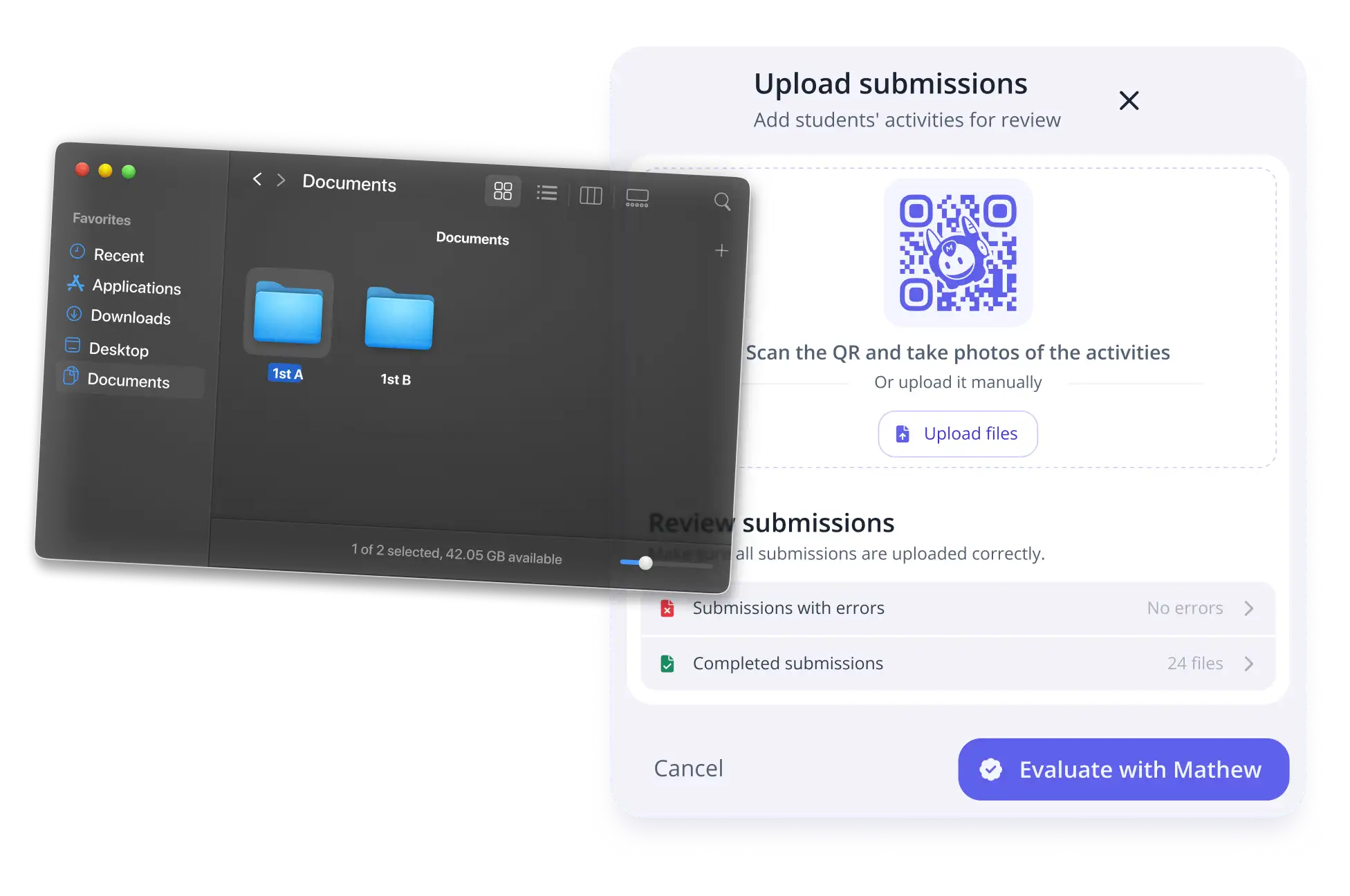
Upload the submissions
Upload your students' submissions in any format: digital files, photos or scans of paper, audio or video. Mathew automatically detects the student and the activity.
2
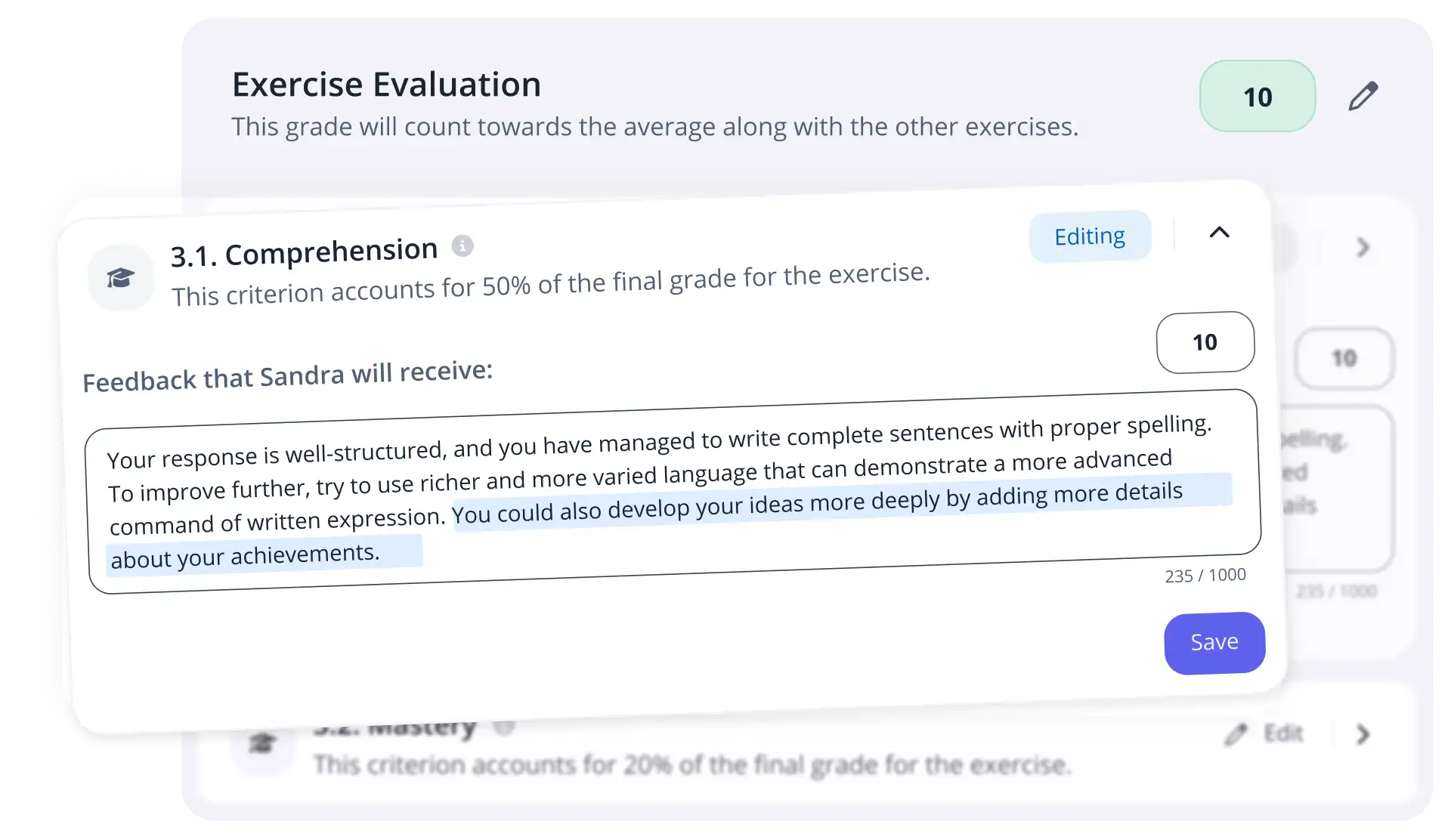
Assess and verify the results
Mathew assesses and assigns scores and comments according to the assessment criteria of the activity. You review, adjust and confirm before sending the results.
3
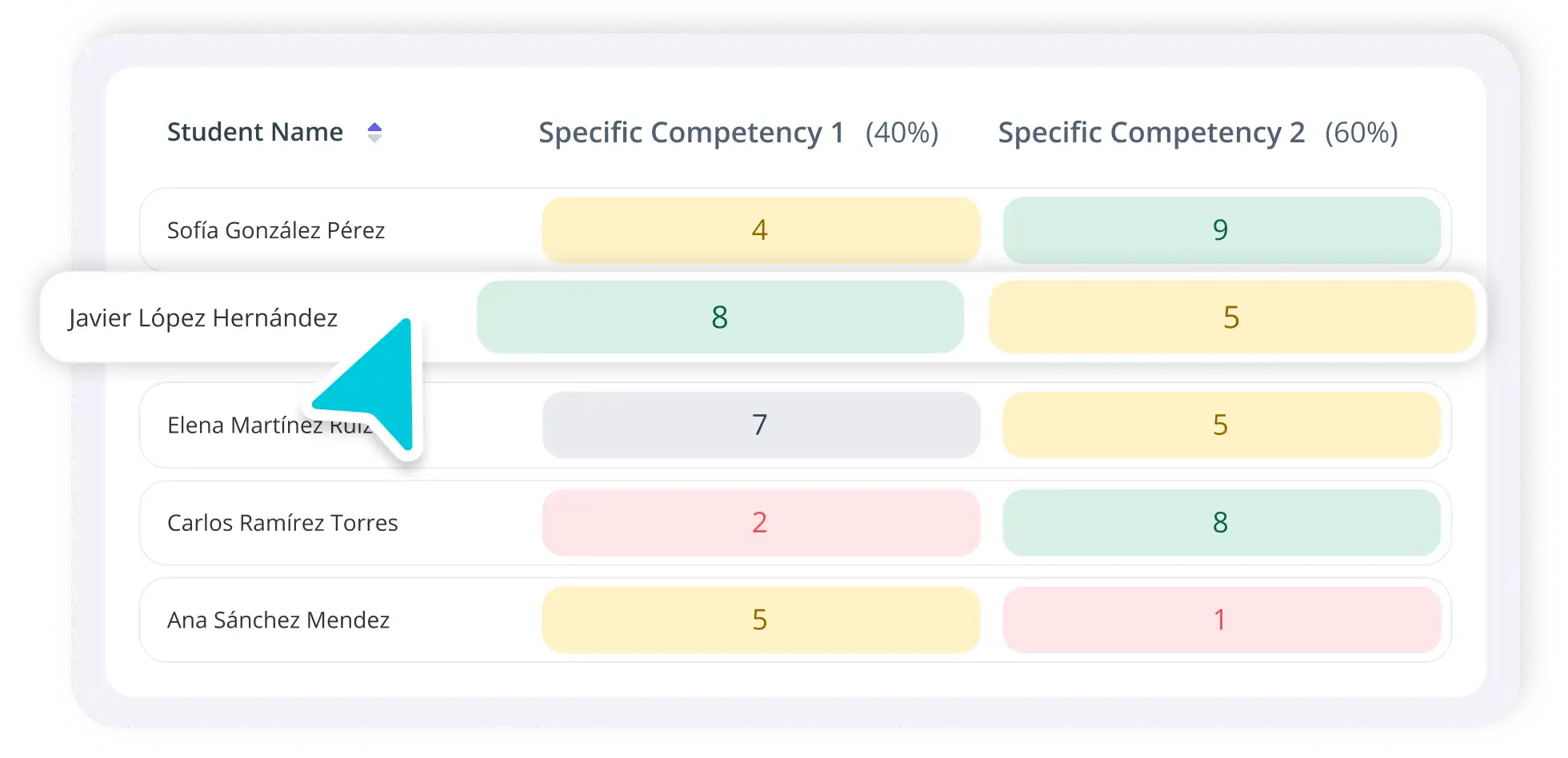
Send and track
Send grades and feedback in a single click. Mathew automatically generates a report per student that you can always edit.
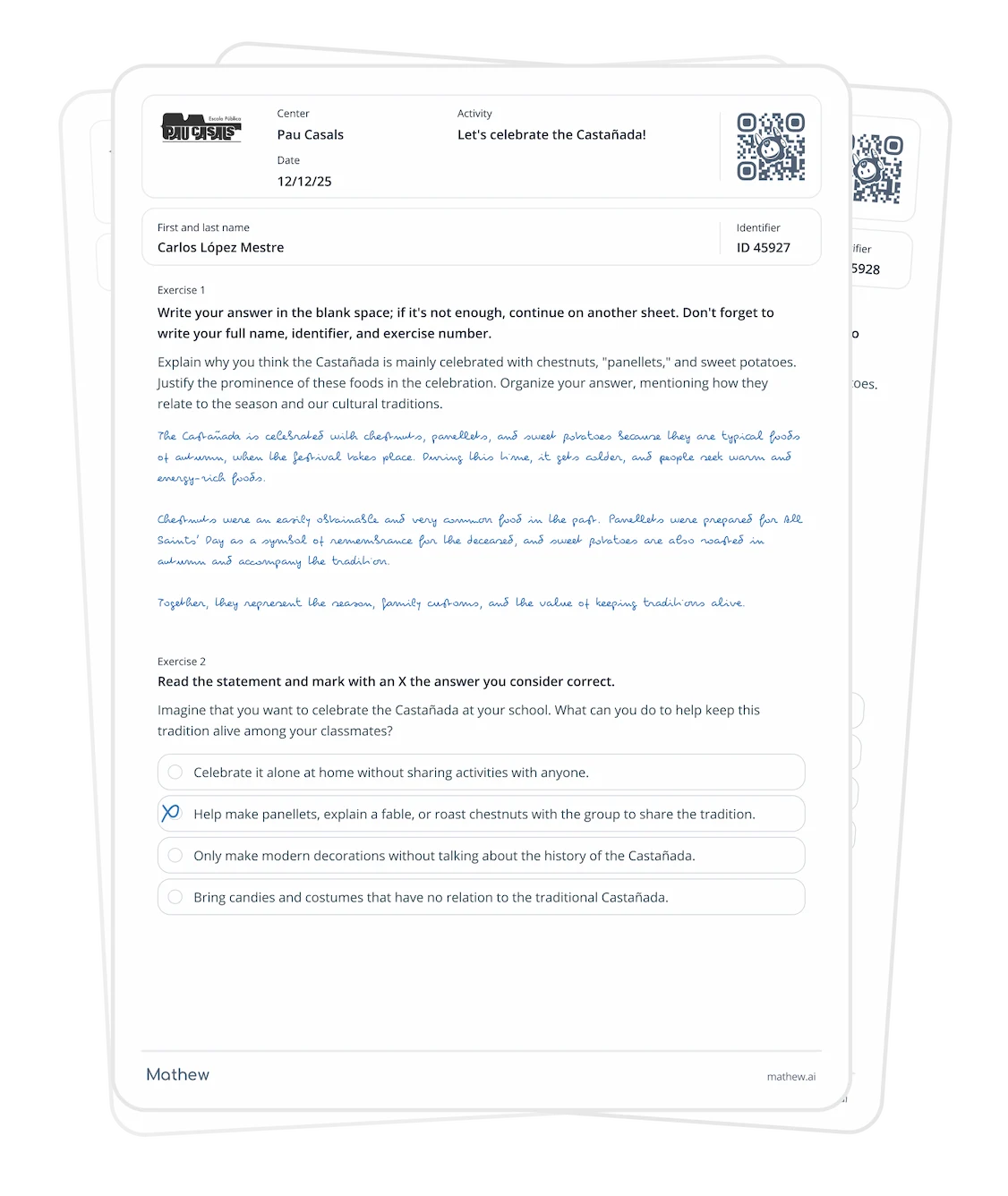
Handwritten assessment, the next leap in class
You only need a photo or scan: Mathew recognises the text, identifies the student, and analyses each answer according to your assessment criteria and rubrics.
Receive grades and automatic feedback in seconds while keeping your methodology in control.

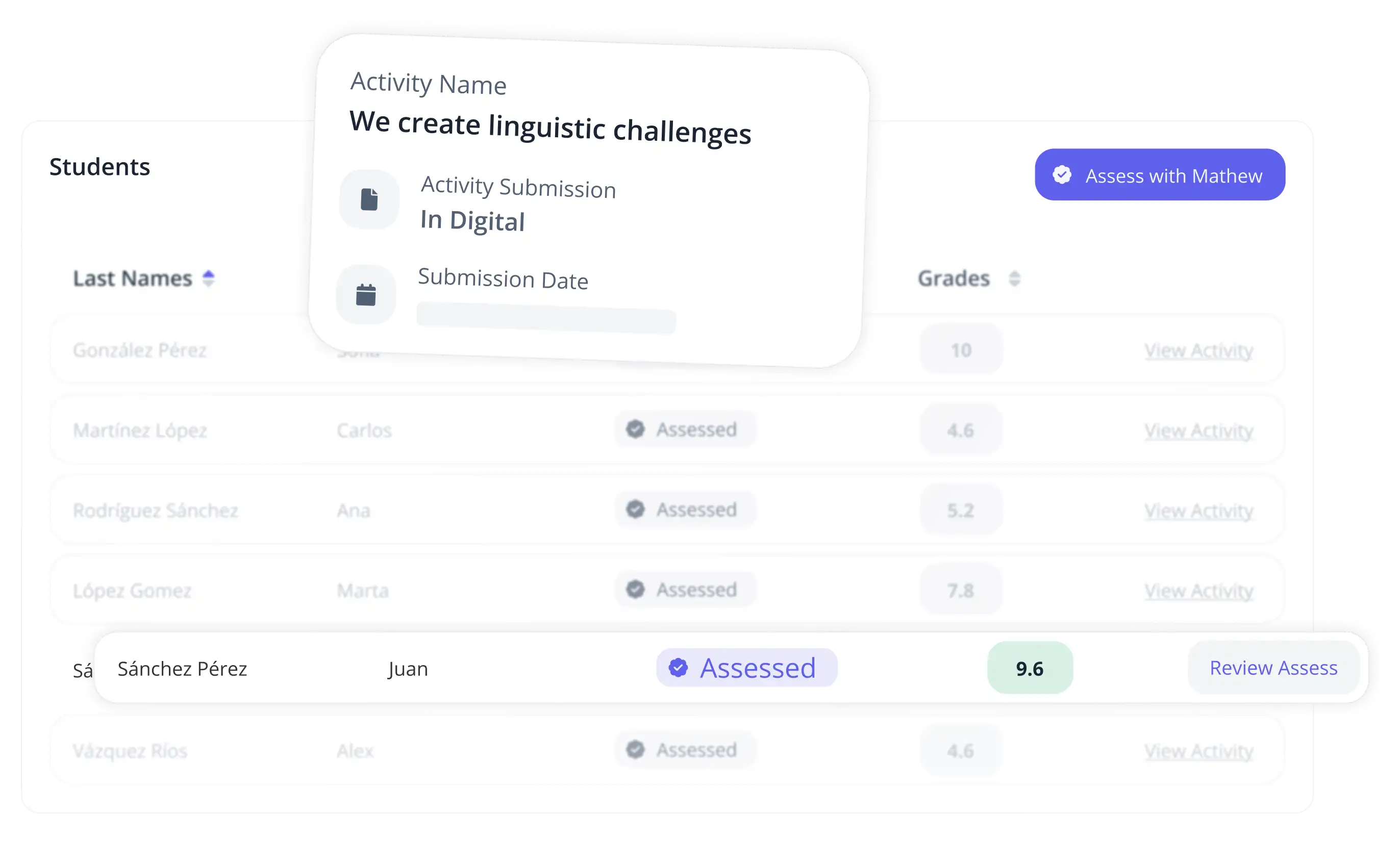
Assess digital activities with total precision
Mathew automatically evaluates exercises, applies your customised rubrics, and provides results by competencies and criteria. You can always review and edit before sending the feedback.
Discover everything you can do with Mathew

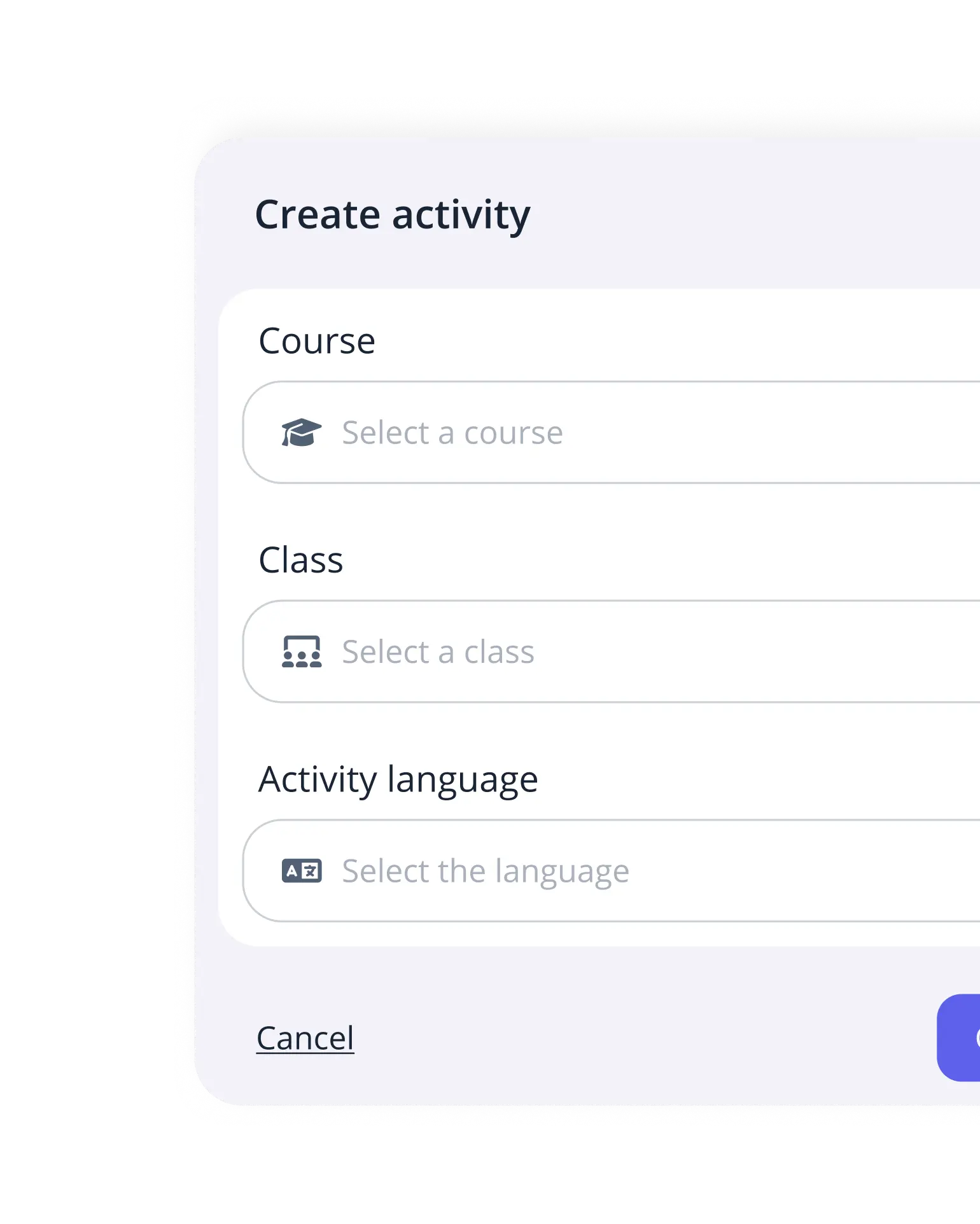
Create personalised educational content aligned with the official curriculum, using your own validated content or extending it with external sources through Smart Mode.
Learn more
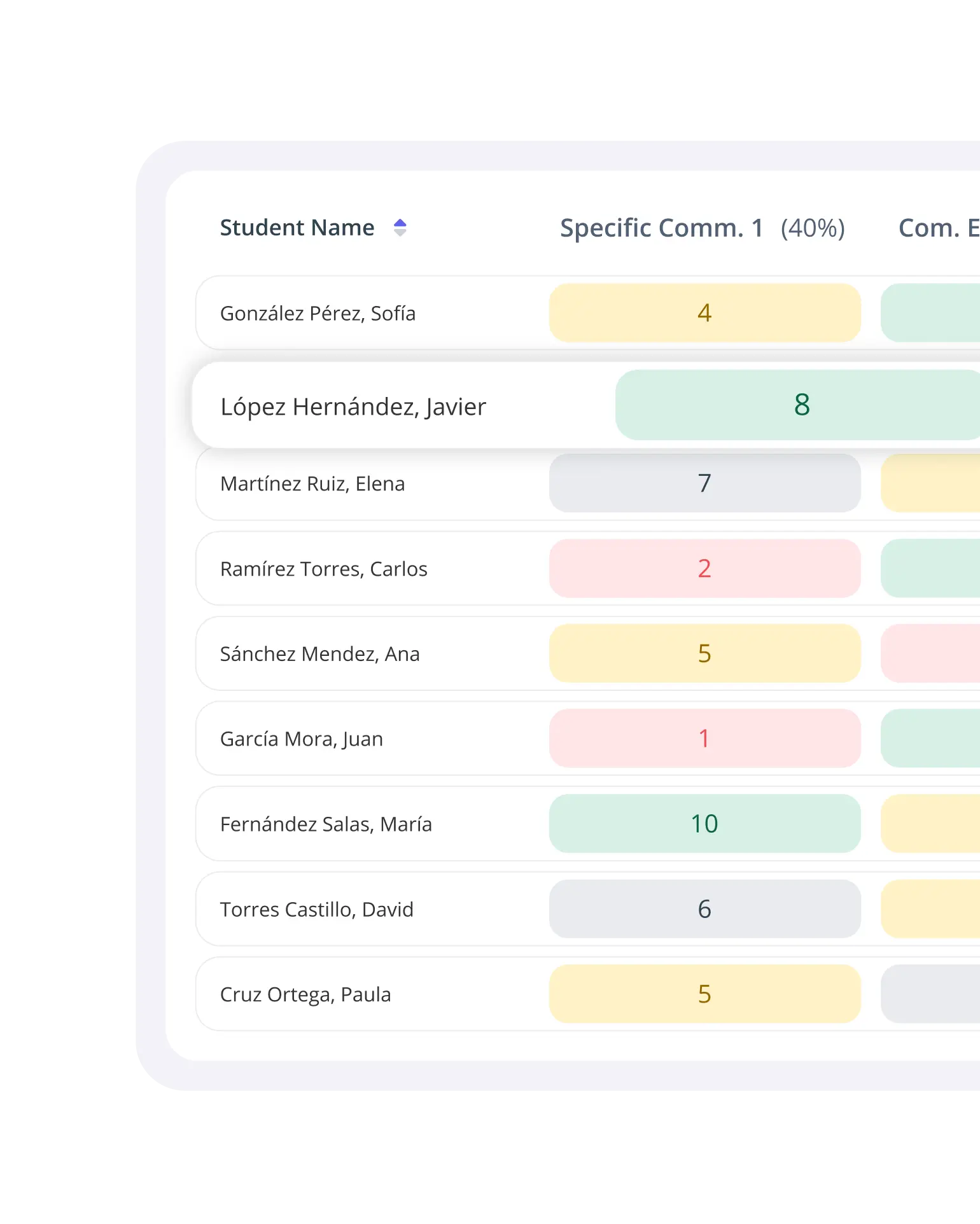
Get performance metrics and specific feedback for each student, and adapt your lessons based on how they progress.
Learn moreStart transforming the way you assess without losing your criteria
Ready to save time and improve your students' learning experience?